I Turned a Retired Laptop Into a Home Server. DNS Was the Real Project.
 Charles J. (CJ) Dyas
My girlfriend was about to throw out her old college laptop. It had reached that special stage of Windows slowness where opening a browser feels like submitting a request to a government office.
The hardware still worked, though. It had a screen, keyboard, battery, storage, and a network interface all folded into one little machine. That is basically a home server starter kit with a free, extremely tired display attached.
I installed Ubuntu Server, put CasaOS on top of it, and made Pi-hole my first service.
Ubuntu made the laptop feel useful again. CasaOS made Docker approachable. Pi-hole is the thing that taught me what self-hosting actually means.
It means everyone notices when you break DNS.
The dashboard is not the network
CasaOS is genuinely nice. It gives me one place to install containers, check whether they are running, and look at basic resource use without living in a terminal all day.
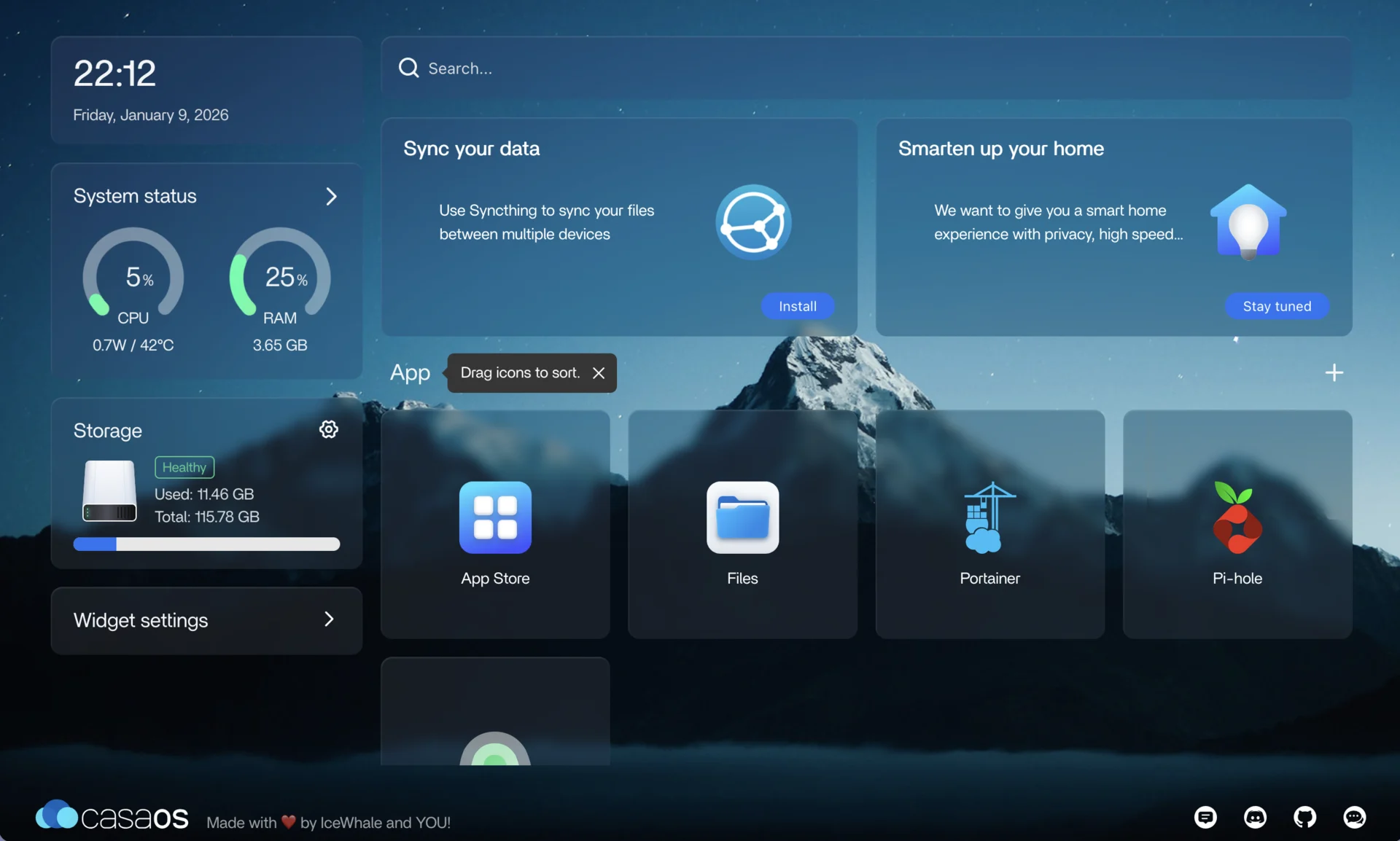
It is also easy to look at a green container badge and assume the job is done. Pi-hole cured me of that pretty quickly. A running container only proves that a process is alive. It does not prove that the router is advertising it, clients are querying it, or the service can reach an upstream resolver.
Pi-hole sits in the middle of a small but important chain. Devices on my network learn their DNS server through DHCP. They send domain lookups to the laptop. Pi-hole checks those domains against its rules, then either blocks the request or forwards it to an upstream resolver.
The web interface is the pretty part. The actual product is every device in the house being able to find anything on the internet.
That changed how I approached the setup. I gave the laptop a DHCP reservation first so its address would stay put. Pi-hole's own documentation says a static address or reservation is required, which makes sense. Advertising a DNS server whose address can change is a fantastic way to create a future problem for yourself.
I tested the resolver directly before changing the router. A command like dig @192.168.1.10 example.com asks that exact server for an answer, so it separates “Pi-hole works” from “the rest of my network is configured correctly.” Only after that worked did I point clients at it.
It is a small sequencing detail, but it keeps one misconfigured container from turning into a house-wide debugging event.
Port 53 has opinions
Running Pi-hole in Docker also forced me to learn what CasaOS was politely hiding.
DNS uses port 53 over UDP for most ordinary queries and TCP when the response or protocol needs it. Pi-hole needs both. If another resolver on Ubuntu already owns that port, the container cannot bind to it. If I publish only UDP, the setup can appear healthy until a query needs TCP and suddenly becomes weird.
When something feels off, I check what owns the port with sudo ss -lntup, then check Docker's published ports. This is faster than repeatedly clicking restart and hoping the vibes improve.
Docker also publishes a port to every host interface by default when no address is specified. On my home network, port 53 should be reachable by local clients and absolutely nobody on the public internet. Pi-hole belongs behind the router and firewall. I am trying to block some ads, not accidentally volunteer an open DNS resolver to the world.
The Pi-hole prerequisites and Docker's port publishing docs explain the underlying constraints better than any app-store install button can.
The 300,000-domain dopamine hit
My first batch of lists put nearly 300,000 domains in Pi-hole. That number looked incredible on the dashboard.
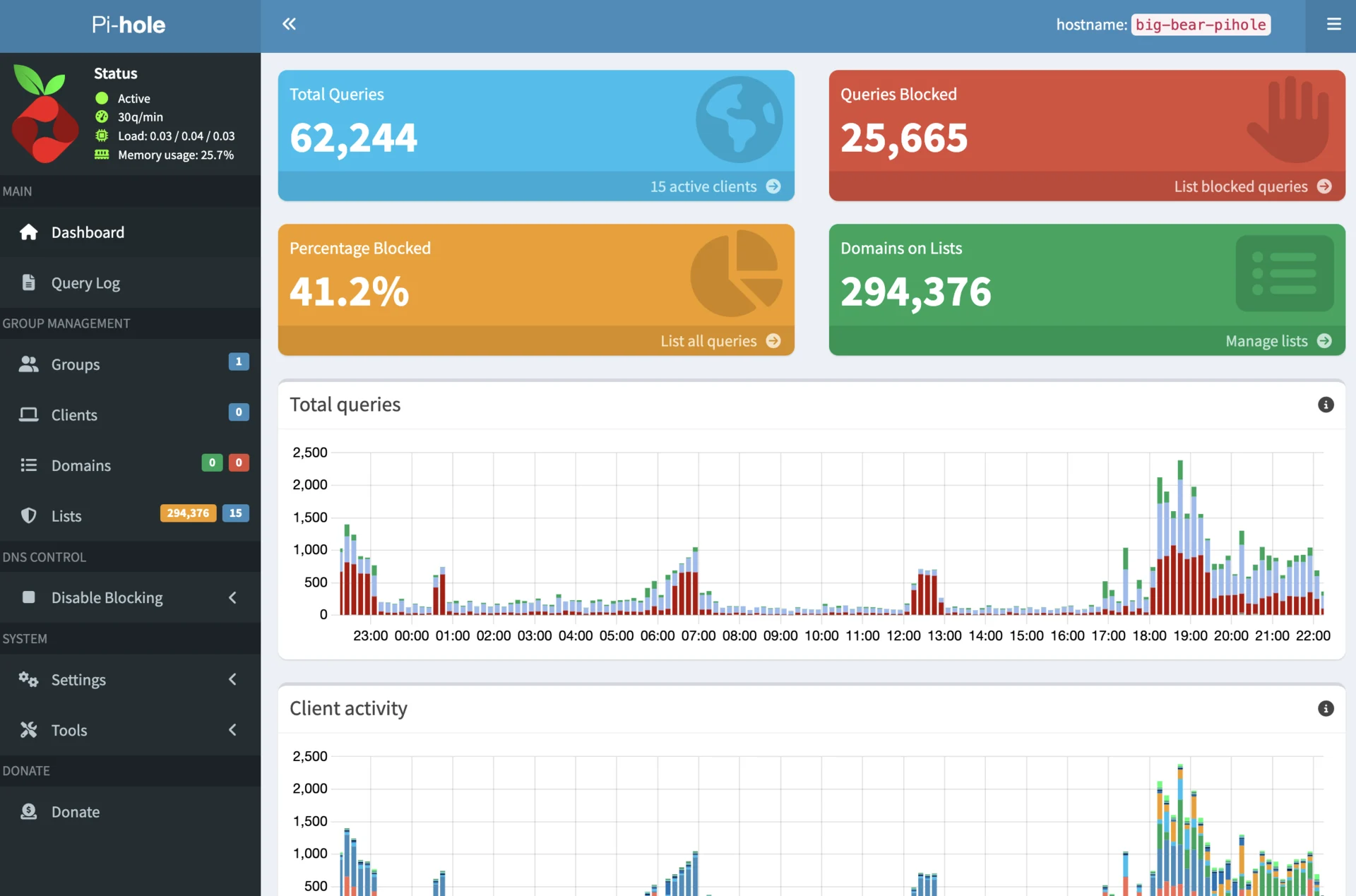
It also did not mean what I wanted it to mean.
A list entry is not a blocked tracker. It is a rule that might match a future DNS query. Lists overlap, domains go stale, and plenty of entries will never be requested by anything I own. One noisy device can also hit the same analytics domain thousands of times and make the block percentage jump. The dashboard is counting DNS behavior, not awarding me privacy points.
I still use familiar sources such as StevenBlack's hosts list and lists collected by Firebog, but I care more about what my devices are actually requesting now. Which client is producing the most traffic? Which domains repeat? What broke after a list update? Did a service stop signing in because one necessary hostname got caught in the blast radius?
When something breaks, I open the query log, reproduce the problem, and allow the smallest domain that fixes it. Turning Pi-hole off works too, in the same way removing a smoke detector fixes the beeping.
There are limits I try not to hand-wave. DNS filtering cannot stop tracking that shares a first-party domain with the service. It cannot inspect arbitrary encrypted traffic. Some devices use hard-coded resolvers or encrypted DNS and never ask Pi-hole at all. A quieter query log is useful, but it is not proof that my network has become private.
The secondary-DNS trap
One setup looks like easy redundancy: Pi-hole as the primary DNS server and a public resolver as secondary.
Clients do not all treat the second address as an emergency spare. Some use either one. That means a portion of the network can quietly skip Pi-hole even while the laptop is healthy.
Real redundancy would mean running a second resolver with the same policy. I am not doing that yet. I accept that this one laptop is a single point of failure, and I keep the recovery path simple: change the router back to a trusted public resolver, renew client leases if needed, then fix Pi-hole without holding the internet hostage.
That is not high availability. It is a documented compromise in a house where nobody wants me to deploy a DNS cluster next to the toaster.
The laptop has a tiny runbook now
The maintenance is boring, which is how I know the project graduated from experiment to service. I export Pi-hole's configuration before major changes, keep Ubuntu and the containers updated, reboot on purpose occasionally, and make sure the services return. The reserved IP and router settings are written down somewhere other than the server they describe.
I also do not expose the CasaOS or Pi-hole admin pages to the internet. Remote access can wait until I have a deliberate VPN setup. “I found the login page from a coffee shop” is not the kind of successful test I am after.
The old laptop is still a fun piece of rescued hardware. But the interesting part of this project ended up having almost nothing to do with the laptop.
I installed a DNS filter. Then I slowly realized I had made myself the person responsible for DNS.
That is homelabbing, apparently.